
AI Candidate Evaluation
Control Every Step of Candidate Evaluation
“We love how easy it is to tailor the interview based on the job description instead of forcing every candidate through the same process.”


"I was surprised how well the candidates stay engaged. The format feels structured but still gives them
room to respond and ask questions."
"It’s much easier to see who’s strong. The evaluations make the top candidates obvious."


Speed Up Hiring with Structured, Consistent AI Candidate Screening
Right Hire gives hiring teams control over how candidates are evaluated, from role definition to the creation of a structured shortlist for hiring team review. You set the requirements, shape the interview, and define how candidates are scored. Every step is structured and consistent, so evaluations are comparable across candidates while still reflecting what matters for the role. Hiring teams review a structured shortlist with full visibility into how each candidate was assessed.
AI Candidate Evaluation Key Benefits

Set the Standard Upfront
Define exactly how candidates will be evaluated before the first interview takes place.

Align Interviews to the Role
Customize questions and criteria so each role is assessed on what matters.

Remove Variability from Early Screening
Ensure every candidate is evaluated the same way, regardless of who runs the process.

Identify Top Candidates Faster
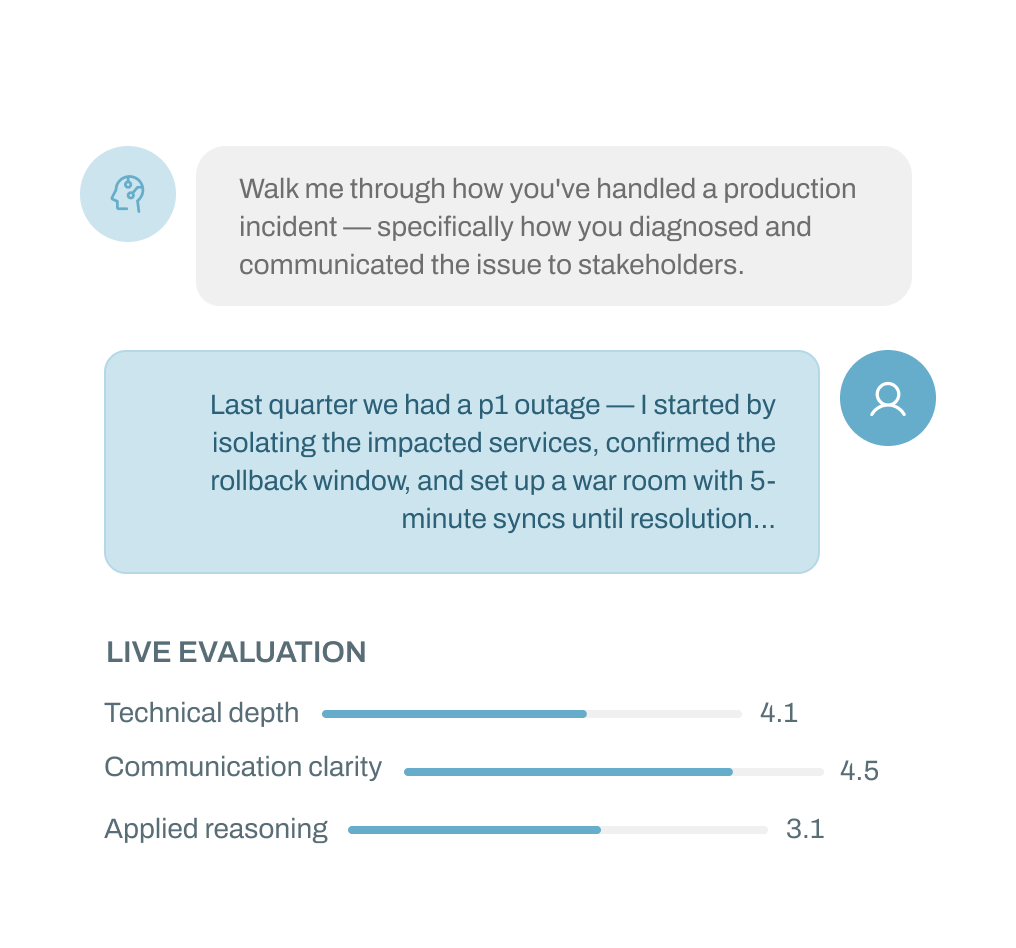
Use transcript-backed scoring and direct comparisons to quickly see who stands out
How Does Structured Candidate Evaluation Work from Job Setup to Shortlist?
Right Hire uses AI to structure screening, scoring, and comparison, so hiring teams can evaluate candidates consistently and move to a qualified shortlist with clear, evidence-backed context.
Job Creation & Interview Kit Generation
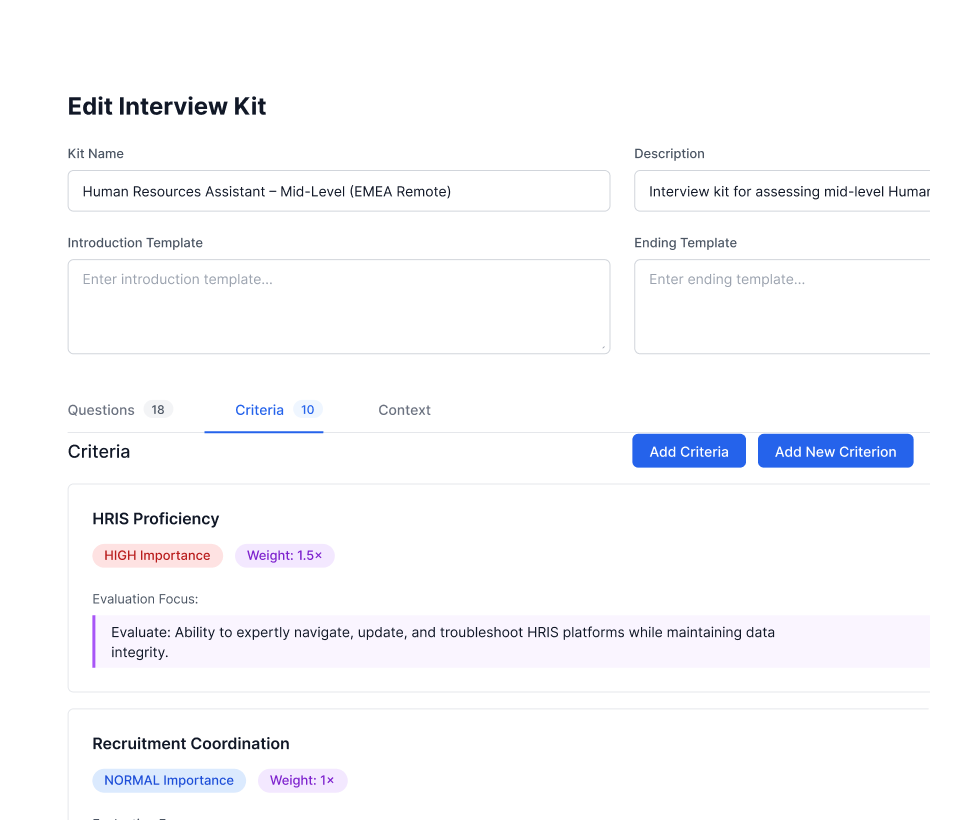
Turn Job Requirements into Structured, Role-Specific Interviews
Starting with the job description. Right Hire uses your job inputs to generate a structured interview framework aligned to the position. Everything can be reviewed and adjusted before candidates enter the process.

Post-Interview Assessment
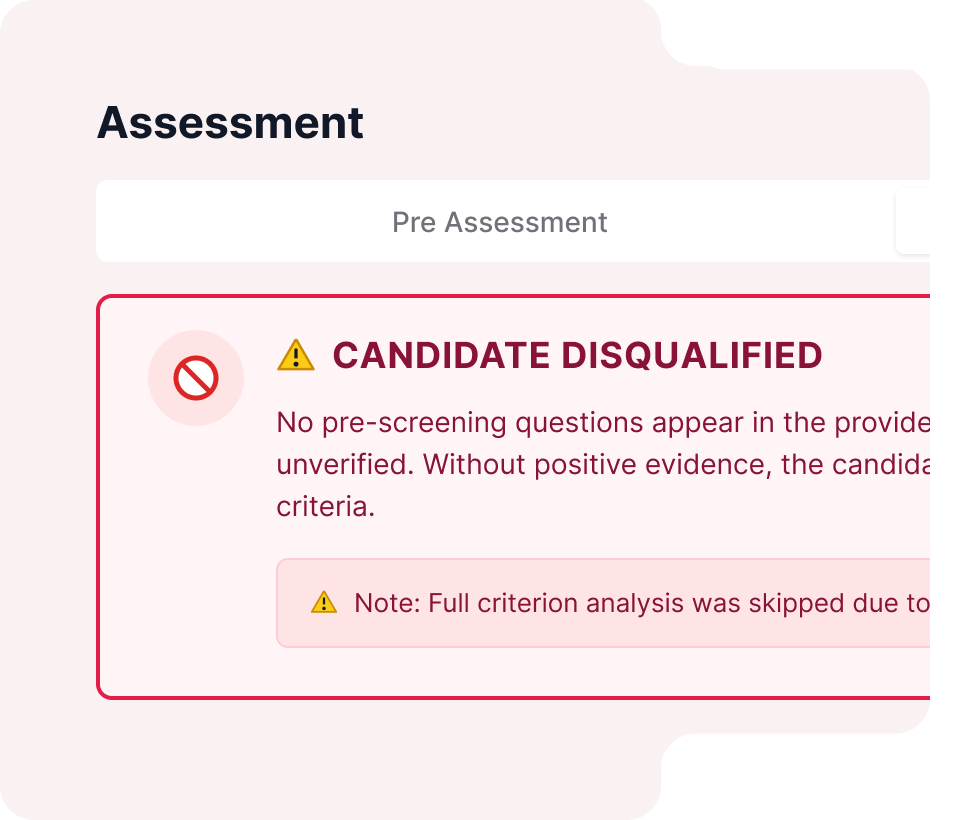
Replace Subjective Screening with Consistent, Evidence-Based Scoring
Every interview is evaluated against defined criteria using AI to extract candidate responses from the transcript. The process is structured so hiring teams can see how each score is determined.
Candidate Evaluation & Comparison
Surface Top Candidates Faster with Structured Comparison
Candidates are evaluated using consistent criteria and weighted scoring aligned to the role. This allows teams to move from review to decision faster.
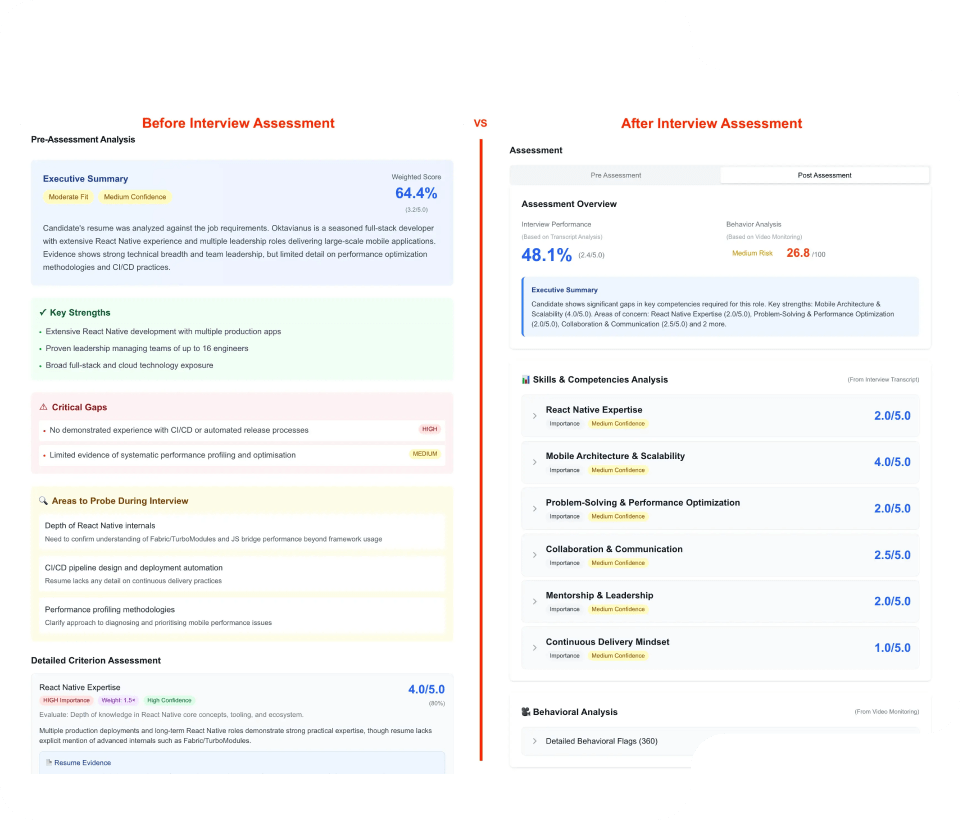
Powerful Candidate Evaluation
Right Hire goes beyond traditional screening by using AI to analyze candidate responses and give hiring teams a clear, evidence-based view of every candidate. Each person receives a hiring recommendation for review, with every score supported by evidence extracted from the interview transcript.
Recommendation
Score Range
What It Means
Strong Hire
75–100
Exceptional candidate, move fast
Hire
60–74
Solid fit for the role
Potential
50–59
Meets basics, has development areas
No Hire
0–49
Significant gaps or disqualified
Frequently Asked Questions
Here are the answers to the most common questions.
Resources



AI Structured Interviews.
Human Hiring Decisions.
Replace early interviews with structured evaluations, so your team sees qualified candidates sooner with clear supporting evidence.